Why Your Business Has Outgrown Its Software (And What to Do About that)
Your SaaS stack is bleeding money. Here's why generic software fails growing businesses — and what actually works.
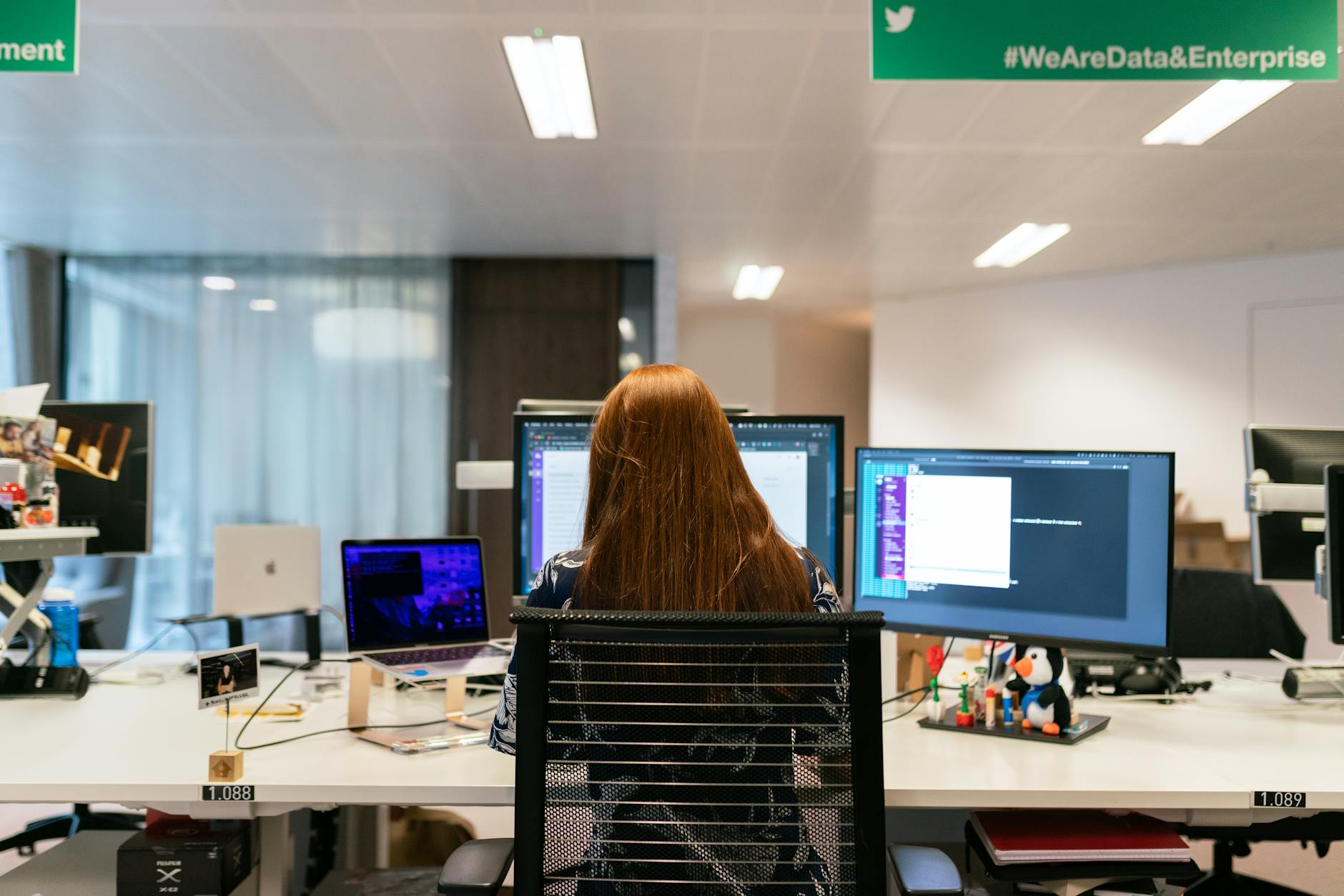
You wake up at 6 AM, coffee in hand, already dreading the day. Not because the work is hard — your team is great at what they do. But because you know today's going to be another day of fighting your software.
You're on the phone with your CRM vendor again, waiting on hold for the third time this week. That "simple" customization you asked for three months ago? Still not done. Your sales team is manually entering data into two different systems because they don't sync. Your marketing guy built a workaround in Airtable that only he understands, and he's about to quit.
This is the reality for thousands of businesses between $500K and $20M in revenue. You've grown past what off-the-shelf software was designed to handle. But you keep telling yourself you need to "make it work" — because that's what good business owners do, right?
Here's the uncomfortable truth: off-the-shelf software isn't broken. It's just not built for you.
In this post, I'm going to walk you through exactly why businesses outgrow generic software, what that costs you (way more than you think), and the honest options you have to fix it — from band-aids to full custom solutions.
The $15K Question: What's Your Software Actually Costing You?
Let's do some quick math. And I mean quick — because your time is worth more than a spreadsheet exercise.
Open your last three months of bills. Add up:
- SaaS subscriptions (yes, all of them — even the ones nobody uses)
- The time your team spends working around your software instead of in it
- The deals lost because your CRM can't track a lead properly
- The hours you spend on support calls with vendors
- The customizations you paid for that still don't work right
I worked with a manufacturing company in Ohio last year that had 14 different SaaS tools. Fourteen. Their "integrations" were a combination of Zapier, manual exports, and one poor operations manager who spent 20 hours a week copy-pasting data between systems.
Their annual SaaS bill was $89,000. The hidden cost of friction? Another $120,000 in lost productivity and missed opportunities.
Does that number scare you? It should. But here's what scares me more: most business owners have no idea this is happening. It's invisible. It's become background noise.
Why Off-the-Shelf Software Was Never Built for You
Here's the deal with SaaS companies: they build products for the average user. That makes perfect business sense — they need millions of customers to justify their development costs. But if you're reading this, you're not average. You're running a $500K–$20M business with real complexity, real workflows, and real problems that don't fit into checkboxes.
Generic software has generic assumptions. It assumes your sales process looks like everyone else's. It assumes your industry doesn't have unique requirements. It assumes you have time to train your team on features you don't even need.
The result? You're paying for a Swiss Army knife when you only need a screwdriver — and the screwdriver doesn't even fit your screw.
I remember talking to a commercial real estate broker who was trying to use HubSpot for his deals. Every property had unique terms, multiple stakeholders, and a sales cycle that didn't fit their "stage" system. He was spending more time making the CRM work than closing deals. That's not a CRM problem. That's a fit problem.
The Three Stages of Outgrowing Software
Most businesses go through the same journey. See if you recognize yourself:
Stage 1: The Workarounds
You first notice something is wrong when your team starts building workarounds. A Google Sheet here. A sticky note there. Someone creates a private Notion page because the CRM doesn't support their process.
This is the dangerous phase because it feels like things are working. But you've just created shadow IT — systems that nobody else understands, nobody maintains, and nobody can access if that person leaves.
Stage 2: The Integration Scramble
Workarounds aren't enough anymore. So you start connecting tools. Zapier here. API there. A developer friend sets up a custom integration.
Now you have more software, more subscriptions, and more things that can break. Your tech stack looks like a Rube Goldberg machine — impressive that it works at all, terrifying to think about what happens when one piece fails.
Stage 3: The Breaking Point
This is where most of our clients find us. Something major happens: a key person quits and takes knowledge with them, a critical integration fails and nobody notices for days, or you simply can't scale anymore because your systems can't handle the volume.
You realize you've been spending money to manage your software instead of running your business.
Your Options: From Cheap Fixes to Custom Solutions
Now — and this is where I want to be genuinely helpful — let's talk about what you can actually do about this. There's no one-size-fits-all answer. Your solution depends on your budget, timeline, and how much pain you're in.
Option 1: Keep Making It Work (The Default Path)
Most people do this. They keep paying, keep complaining, keep working around the problems. This is free in terms of cash, but it's the most expensive option in terms of opportunity cost.
When this makes sense: If your revenue is under $500K, your processes are still simple, and your team is small enough to adapt to whatever software says.
The risk: You're trading growth for convenience. Every month you spend fighting your tools is a month you're not spent growing.
Option 2: Switch to a Different SaaS
Maybe your current tool really is the problem. Maybe there's a better fit out there.
When this makes sense: You have a clear sense of what's missing, and another platform explicitly solves it. You have time for another implementation project.
The catch: You're probably just moving the problem. Most SaaS tools have the same fundamental limitation — they're built for the average user. And honestly, after 8+ years in this industry, I've seen businesses switch platforms three times and end up back where they started.
Option 3: No-Code / Low-Code Solutions
Tools like Airtable, Softr, Glide, or internal portals built on platforms can get you 80% of the way to a custom solution without writing code.
When this makes sense: You have a tech-savvy person on your team who can build and maintain it. Your needs are relatively contained. You need something fast.
The honest downside: No-code tools hit a wall. When you need real security, complex permissions, or deep integrations with existing systems, you're back to the same limitations. Plus, who maintains it when that one person leaves?
Option 4: Custom Software (When It Actually Makes Sense)
This is where custom development comes in. And look — I'm not going to sit here and tell you that custom software is right for everyone. That would be dishonest, and you'd see right through it.
Custom software makes sense when:
- Your processes are genuinely unique to your business
- You're losing measurable revenue because existing tools don't fit
- You have the budget to invest in a solution that pays for itself within 12-18 months
- You want to own your technology instead of renting it forever
Here's what most people don't realize: custom software doesn't have to mean expensive and slow. A well-scoped custom system for a $2M business can start at $15K–$40K and ship in 6–12 weeks. That's less than two years of stacking SaaS tools that don't work together.
We built a custom CRM for a home services company that had been trying to make HubSpot work for two years. Their bill with us was less than what they'd spent on HubSpot + Zapier + three other tools + the opportunity cost of their team fighting it every day. And now it actually does what they needed.
How to Decide What's Right for You
Here's my honest framework. Ask yourself these three questions:
1. What's your #1 pain point? If it's something fundamental — like your CRM doesn't support your sales process — no amount of switching SaaS tools will fix it. You need something built for your workflow.
2. How much is this costing you annually? Add up the SaaS bills, the lost productivity, the deals missed. If the number is over $30K/year and it's getting worse, custom starts making financial sense.
3. Do you want to own your tech or rent it? Every dollar you spend on SaaS is a dollar you'll spend again next year. Custom software is an asset. It has value. You can sell it, modify it, and it grows with you.
The Real Question Isn't Whether to Outsource — It's What You're Willing to Pay for Convenience
I've been doing this for a while. I've seen businesses spend $200K on SaaS over five years to avoid a $40K custom build. I've also seen businesses build custom tools that were completely over-engineered for what they needed.
The answer isn't always "build custom." But the answer also isn't always "keep suffering."
What I've learned is this: the best solution is the one you actually use. A fancy custom system that nobody adopts is worthless. A $20/month tool that your team loves is priceless.
But if you've tried everything and you're still drowning in tools that don't fit — if your team is spending more time managing software than doing real work — then the problem isn't your team. It's your tools.
And there is a fix.
If any of this sounds familiar, the next step is simple: talk to someone who builds custom systems for a living. Not a salesperson — a real builder. Ask them what's possible. Ask them what it would cost. Ask them how long it would take.
You might be surprised how affordable custom can be. And you might be even more surprised how much lighter your mornings feel when your software actually works for you.
Written by
Built Team
The engineering team at Built — building custom software, AI automations, and business systems that scale.
Recommended Reading
Continue exploring related topics

Your Business Data Is Siloed — Here's the Real Cost and What Actually Fixes It

The Real Cost of Manual Workflows (And What Automation Actually Saves)
